A DarkFlippers project

A companion app for Flipper Zero,
made for Unleashed.

Connect over Bluetooth or USB, update and repair firmware, drive the Flipper's screen from your desktop, and keep the archive, the file manager and the tools in one place. Written in Flutter, from scratch.

  • Free and open source, GPL-3.0
  • No account needed
  • Android · iOS · macOS · Windows · Linux
Download
—GitHub stars
—Downloads, latest release
5Platforms, one codebase
GPL-3.0License
What it does

What you can do with it.

The workflows are the ones you already know from a companion app. What changes is how far they reach: USB works on the desktop as well as on Android, firmware repair runs from DFU, your phone can hand the Flipper a GPS fix and an internet connection, and both the archive and the tool set go further.

Bluetooth and USB

Bluetooth LE runs on all five platforms. A USB cable works on Android, Windows, macOS and Linux. Either way you get the same app: device info, archive sync, files, apps, remote control and the CLI. On iOS it is Bluetooth only, because Apple keeps USB serial away from apps.

  • Remembers multiple Flippers and switches between them instantly
  • Auto-reconnect, with a plugged-in USB device taking priority over BLE
  • Android foreground service keeps the link alive in the background
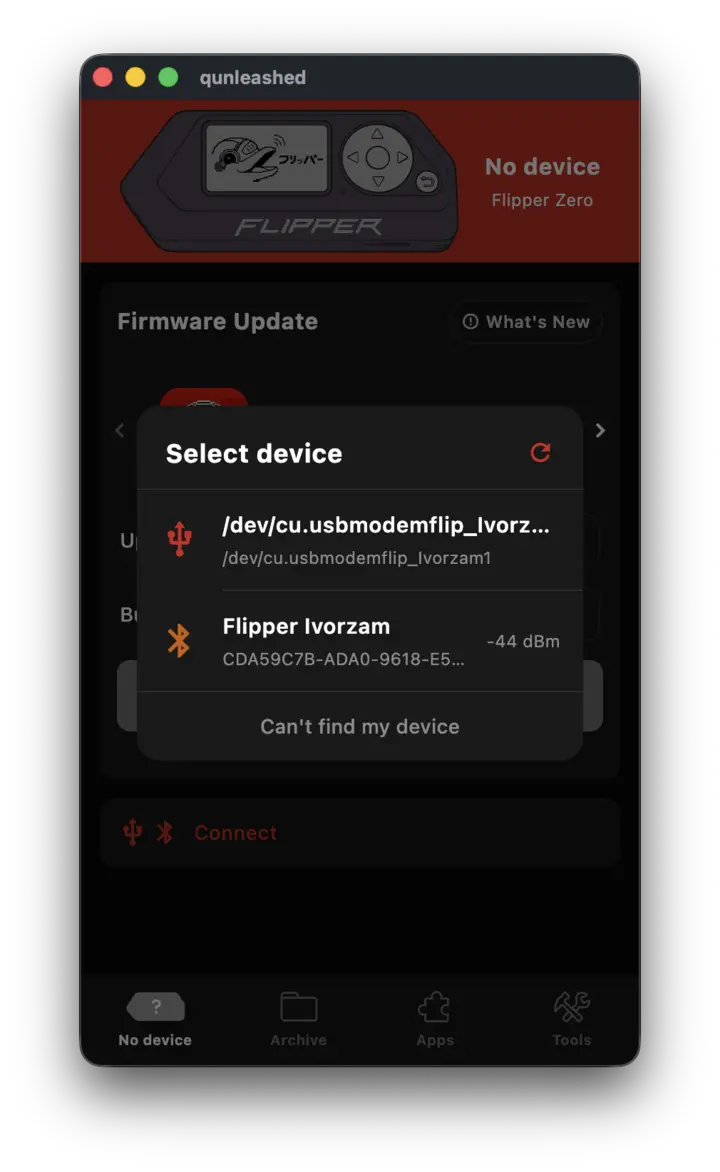
qUnleashed connection screen listing nearby Flipper Zero devices

Firmware updates

Follow the release or the dev channel, read the changelog, download and install without leaving the app. Every Unleashed variant is covered: base, extra apps and compact. Unleashed is what qUnleashed is designed and tested against.

Bring a bricked Flipper back

If the device no longer boots, you can still reach it over USB. The app handles the core firmware, the radio stack and FUS, the same way qFlipper's Full Repair does. On Android that means you do not need a computer at all.

Remote control

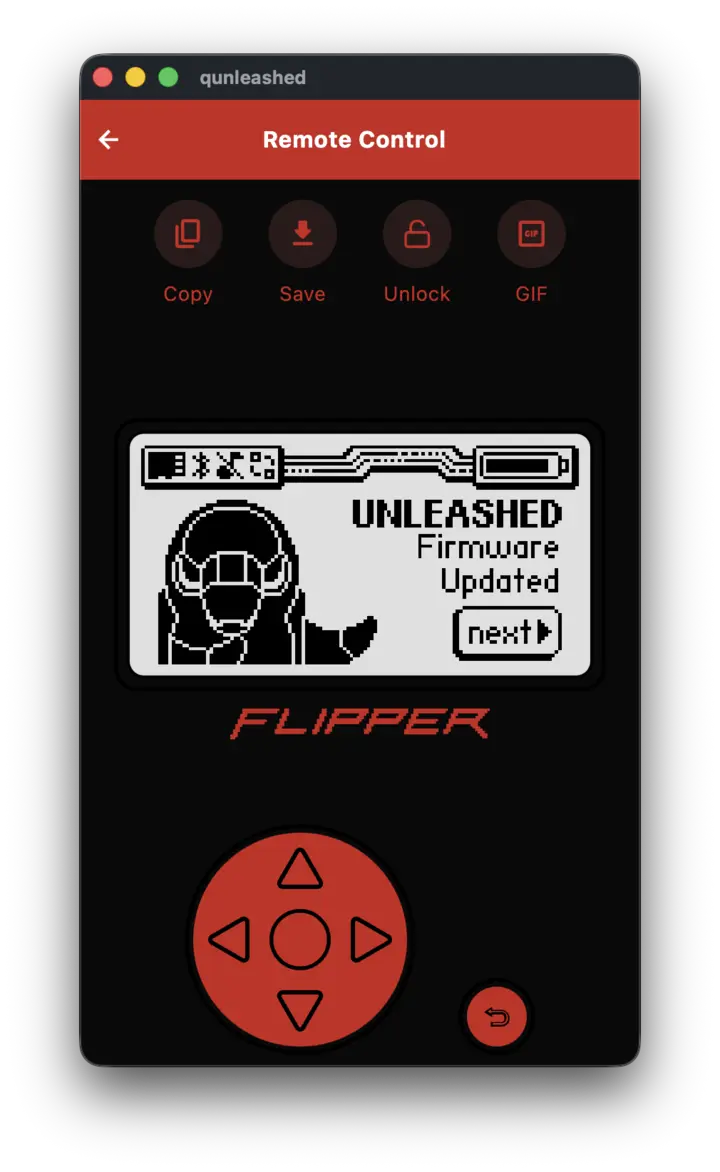
Watch the Flipper's screen live and press its buttons from the app. On desktop you can use the keyboard instead. Screenshots and GIF recordings come straight off the device display.

Your archive, on your machine

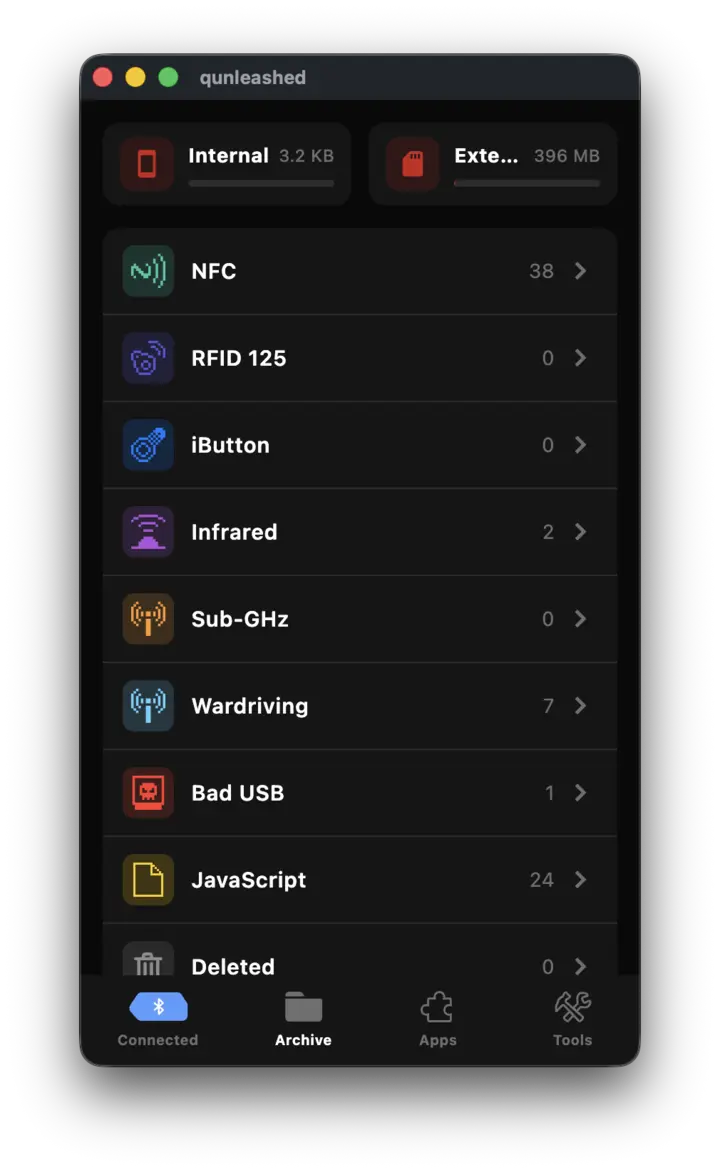
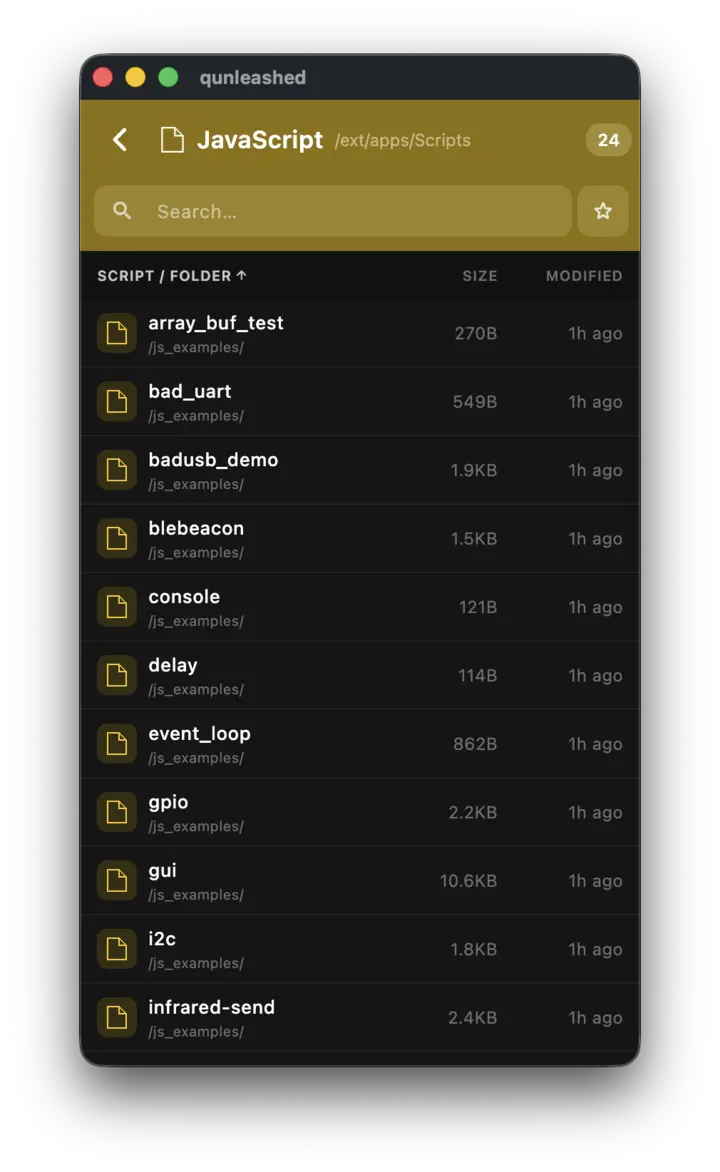
Sub-GHz, Wardriving, RFID 125, NFC, Infrared, iButton, Bad USB and JavaScript, each file marked as synced, remote-only, local-only or deleted. Favourites and restore are there, and a saved key can be launched on the Flipper straight from the list.

Files and editing

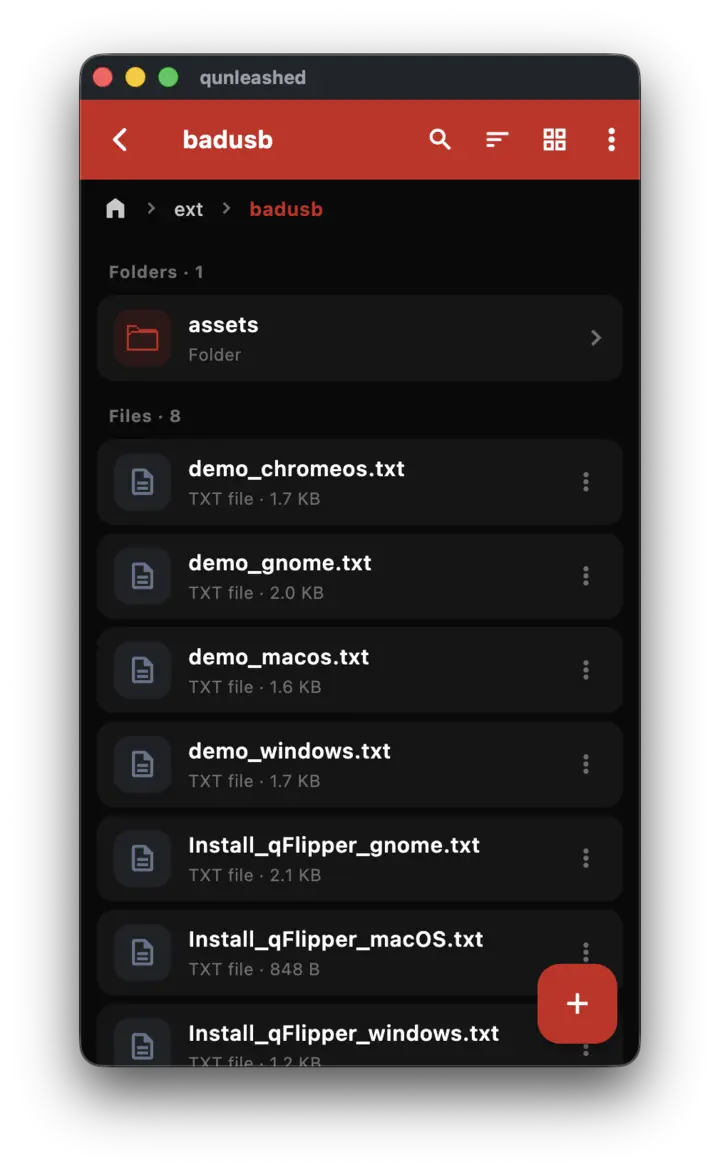
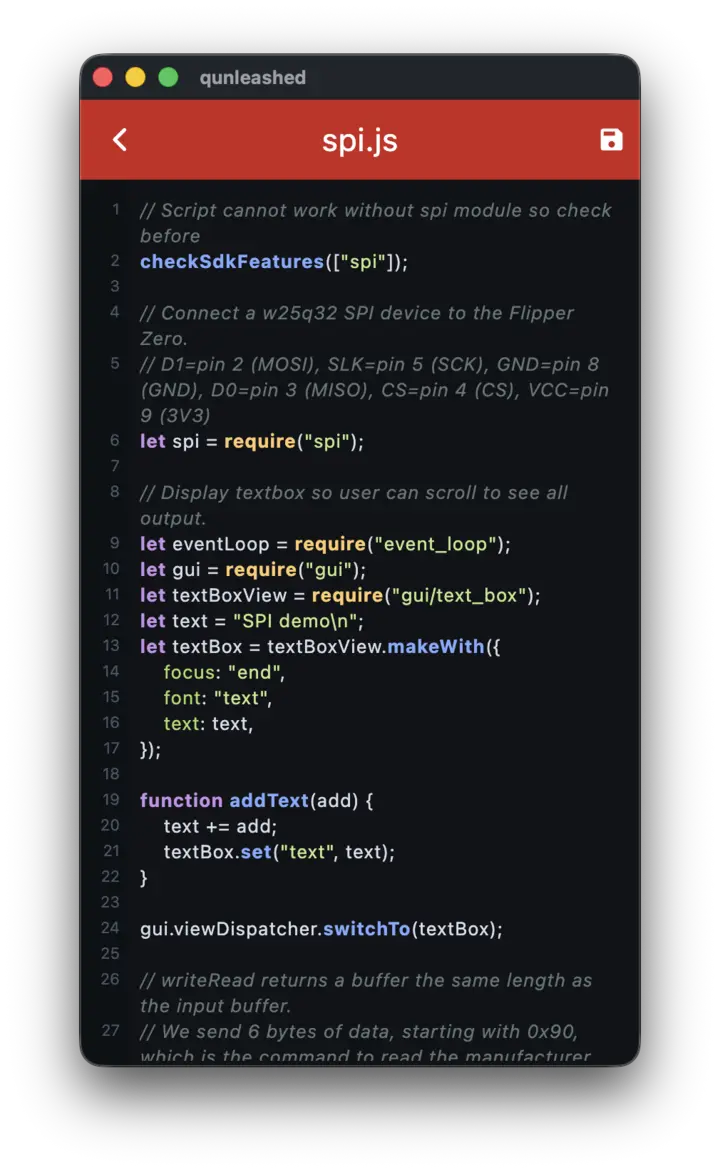
Browse /ext and /int, including hidden files. Create, rename, delete, upload and download. The built-in editor highlights Flipper file formats and drops into a hex view when you need one.

Tools

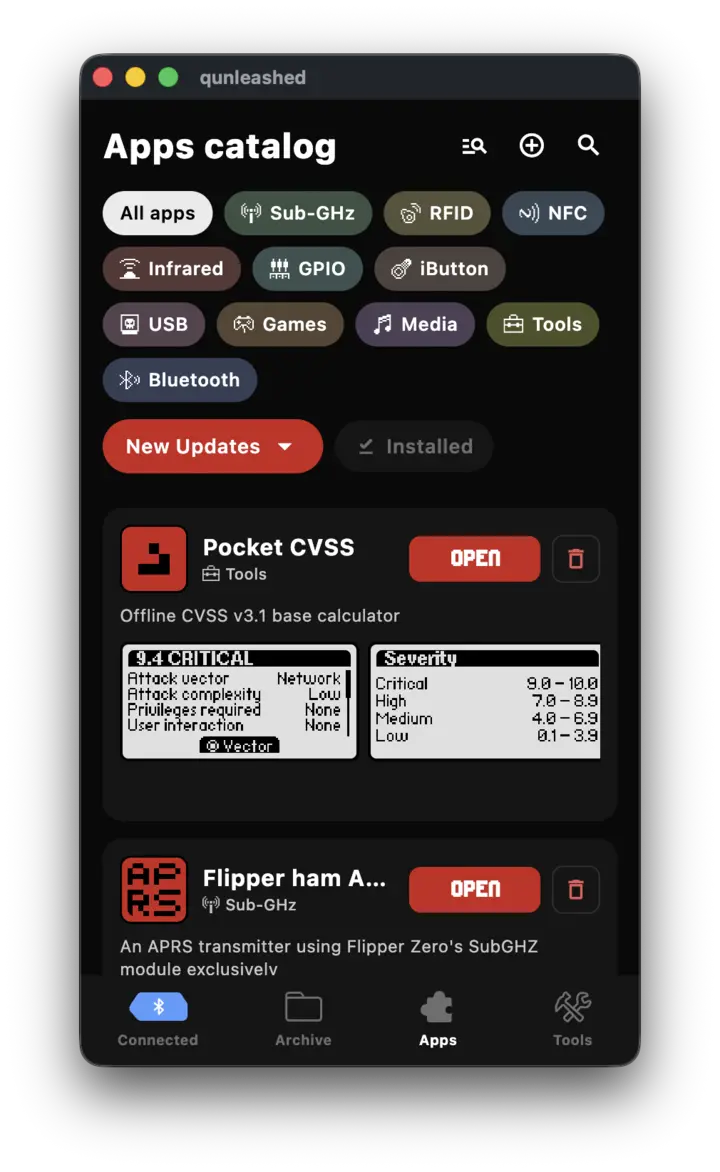
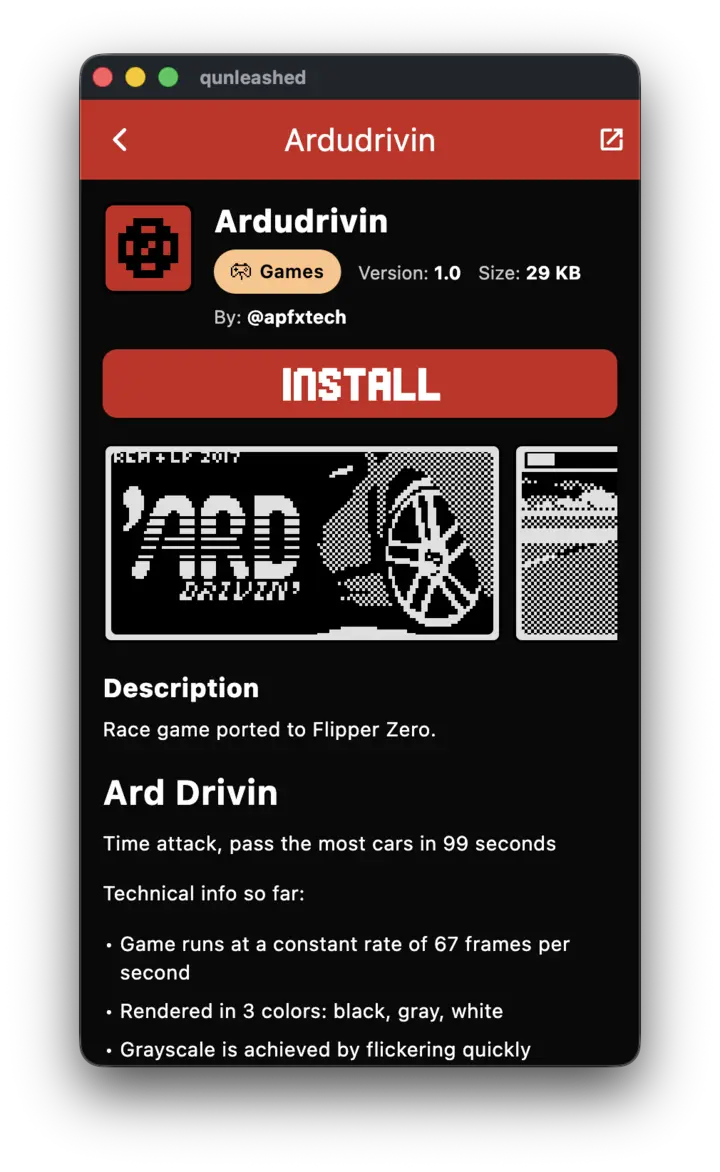
The Tools tab is grouped the way the app groups it: device control, apps, and file utilities. The apps catalogue sits alongside it, with install, update and delete.

  • Remote desktop — view, control and record the device screen
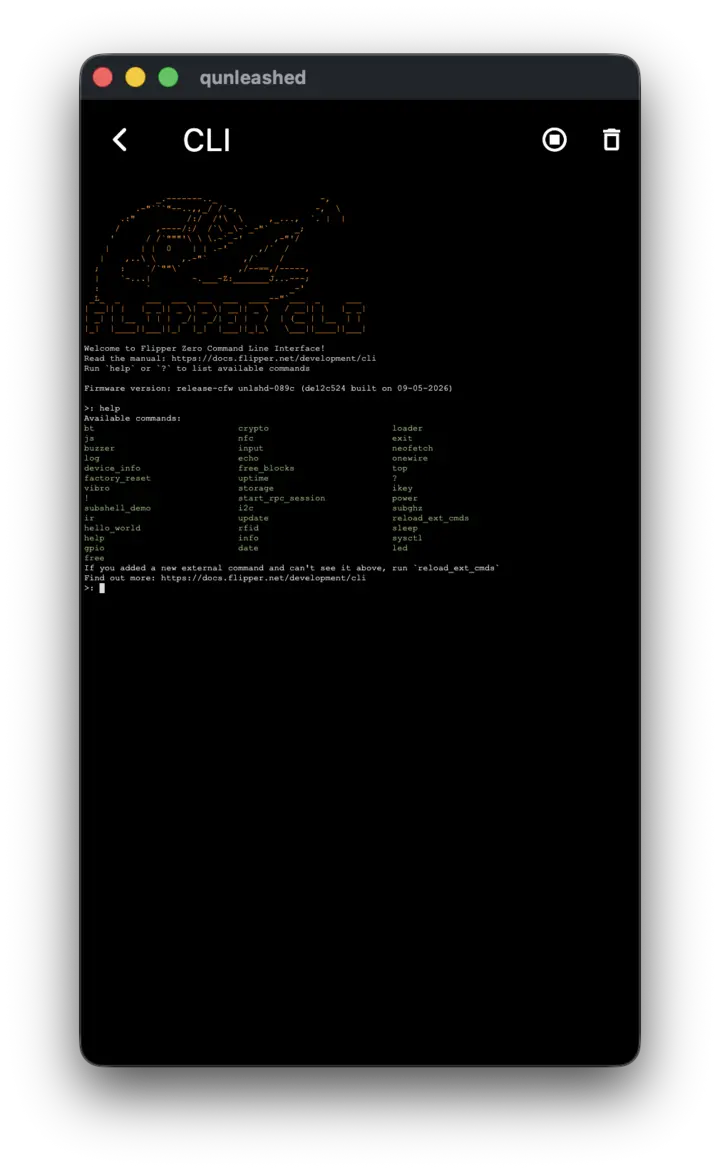
  • Command line — a terminal session on the device over USB
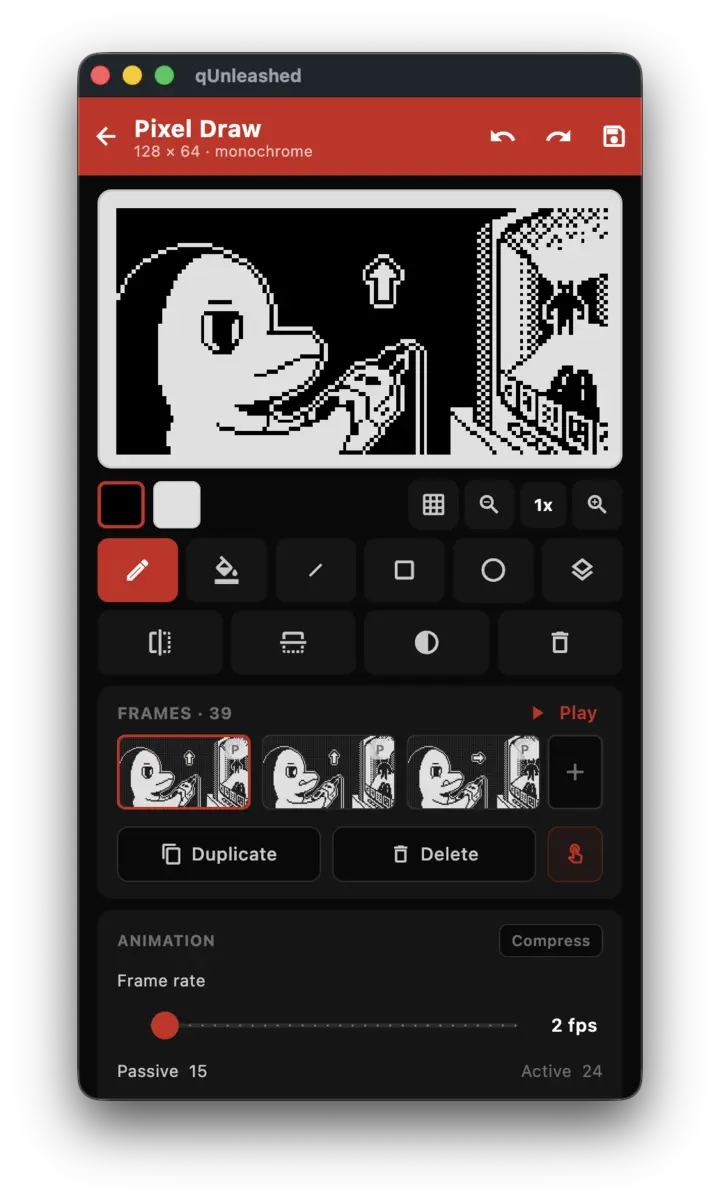
  • Pixel Draw — draw, manage projects and import dolphin animations
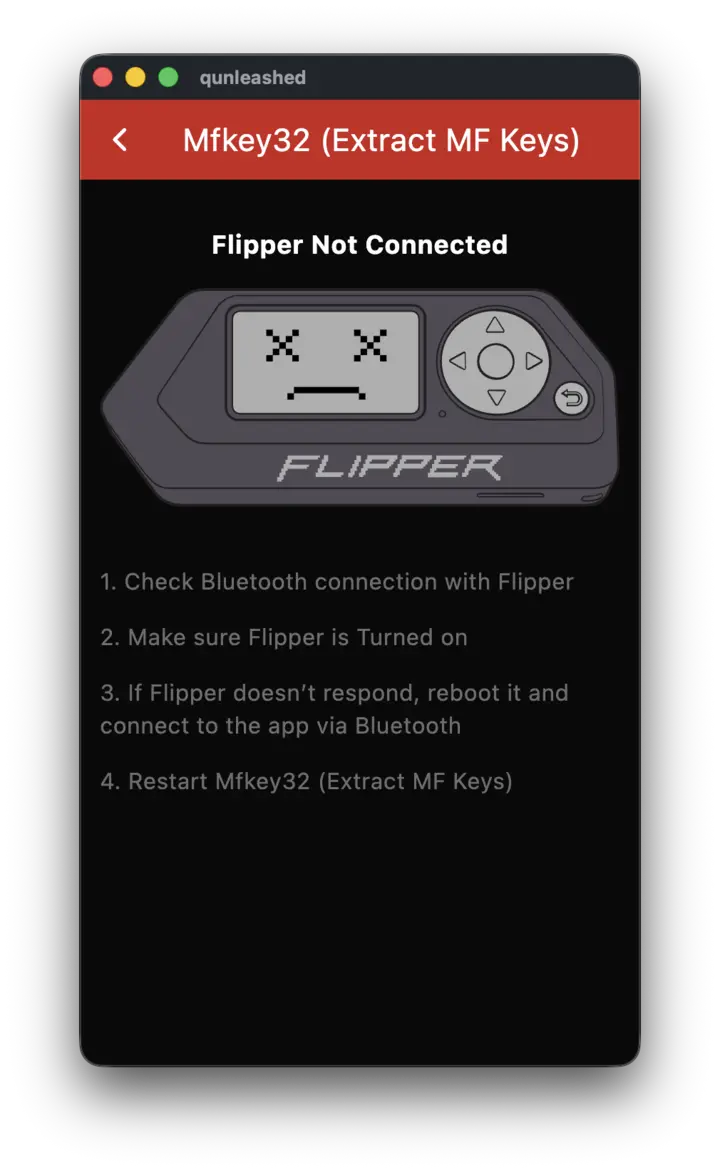
  • Recover MIFARE Keys — from .mfkey32.log and .nested.log
  • Recover SubGHz Seeds — FAAC, BFT, Genius and Erreka remotes
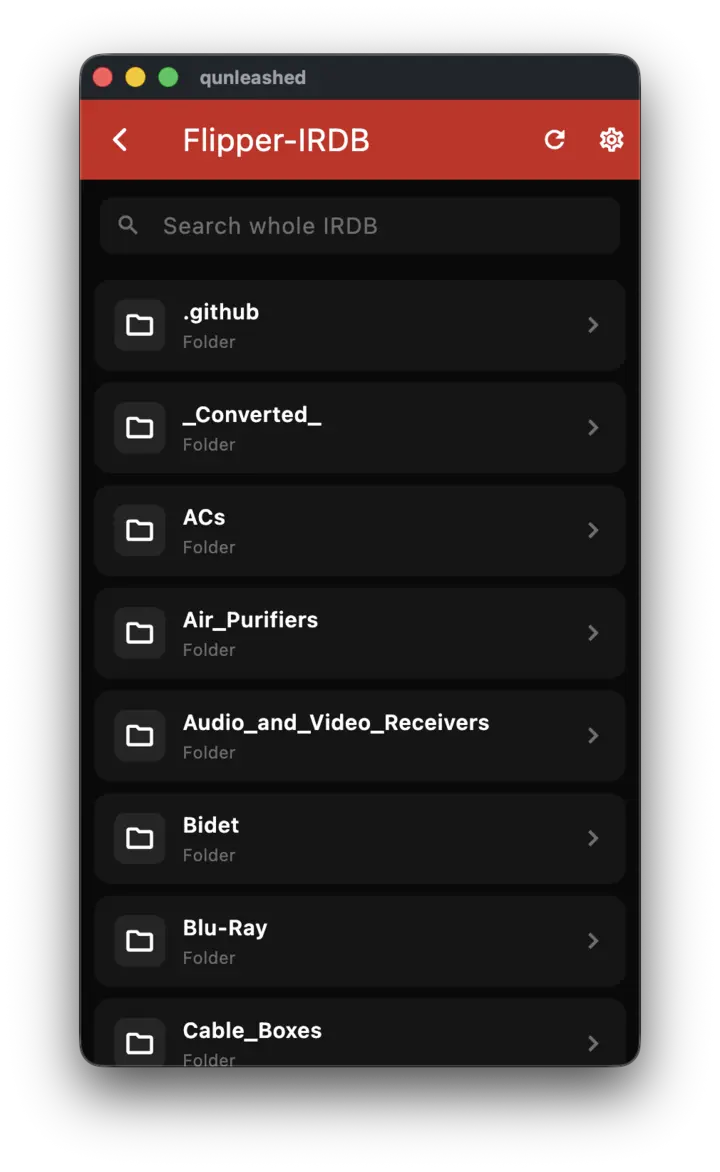
  • Remotes Library — official source plus Flipper-IRDB
  • Pulse Plotter — raw Sub-GHz, Infrared and RFID captures
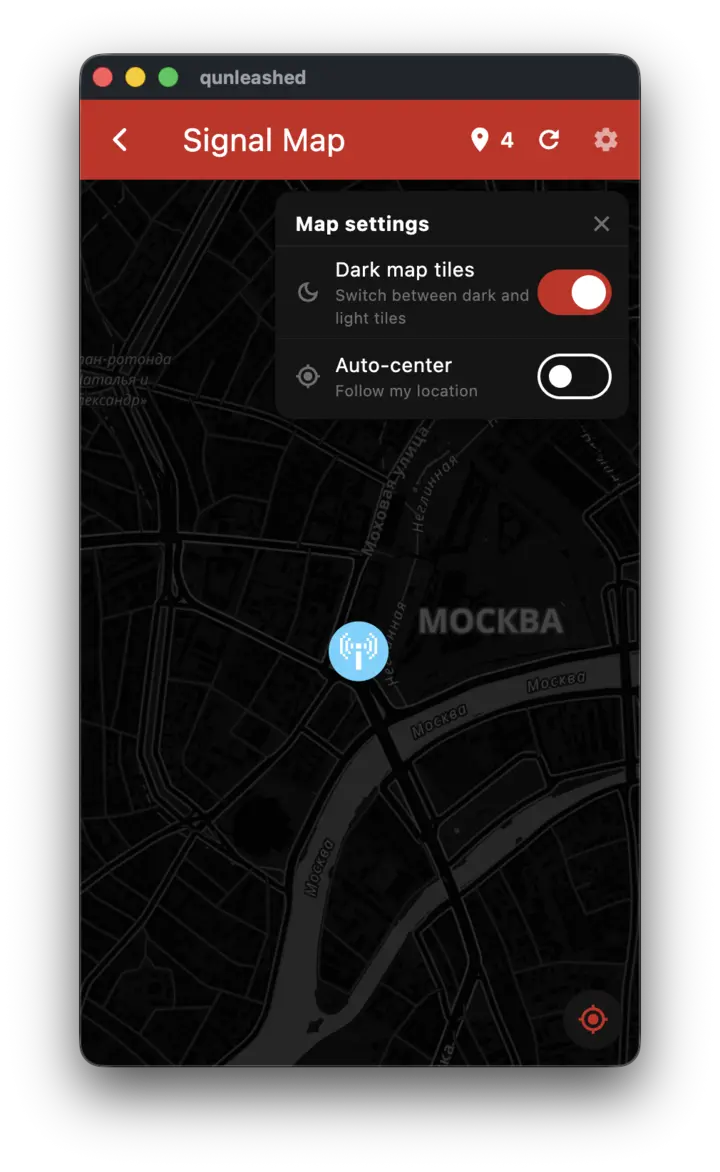
  • Saved Locations — saved files by where they were recorded
  • Flibler — build Flipper apps from source with uFBT
Pixel Draw editor for the Flipper screen

Lend the Flipper your phone

On Unleashed builds with the RPC GPS and network extension, Flipper apps can read your phone's location, and the Flipper's own traffic can go out through the phone. The device card shows TX and RX as it happens.

Know when there is an update

Push notifications for new Unleashed releases, if you want them. Dev-channel builds are a separate switch. Nothing arrives until you turn it on.

Screenshots

Five platforms, one app.

These were taken on the desktop build. On a phone it is the same screens, narrower.

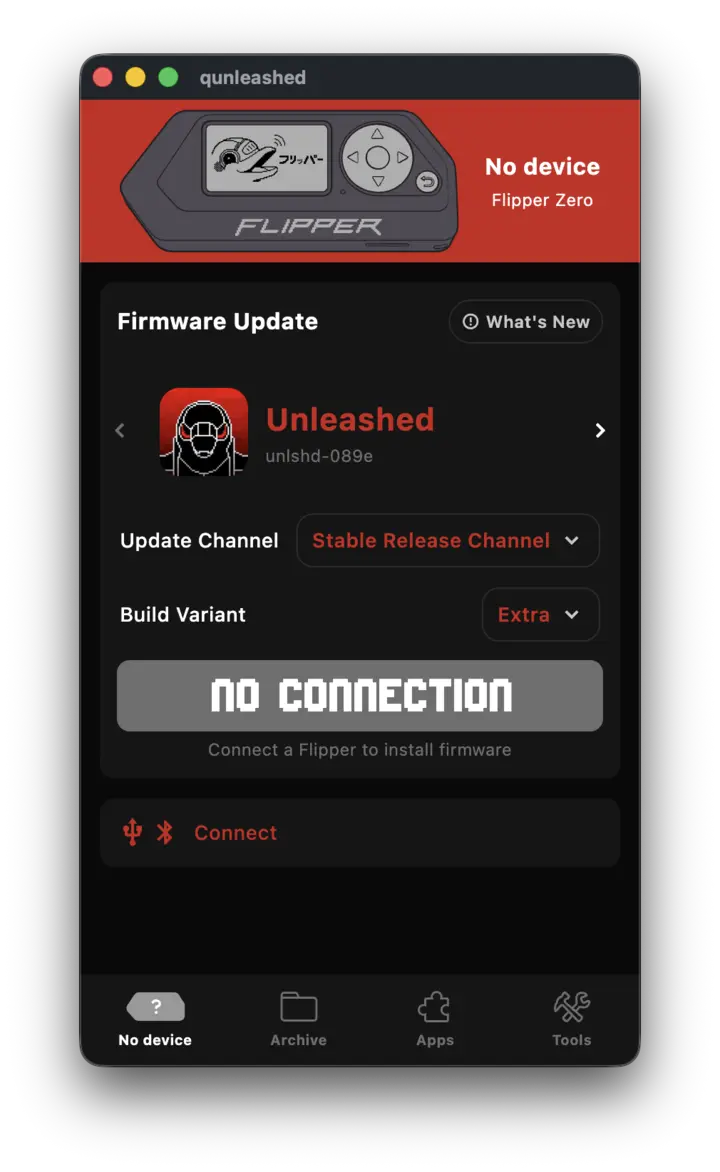
Home screen
Home
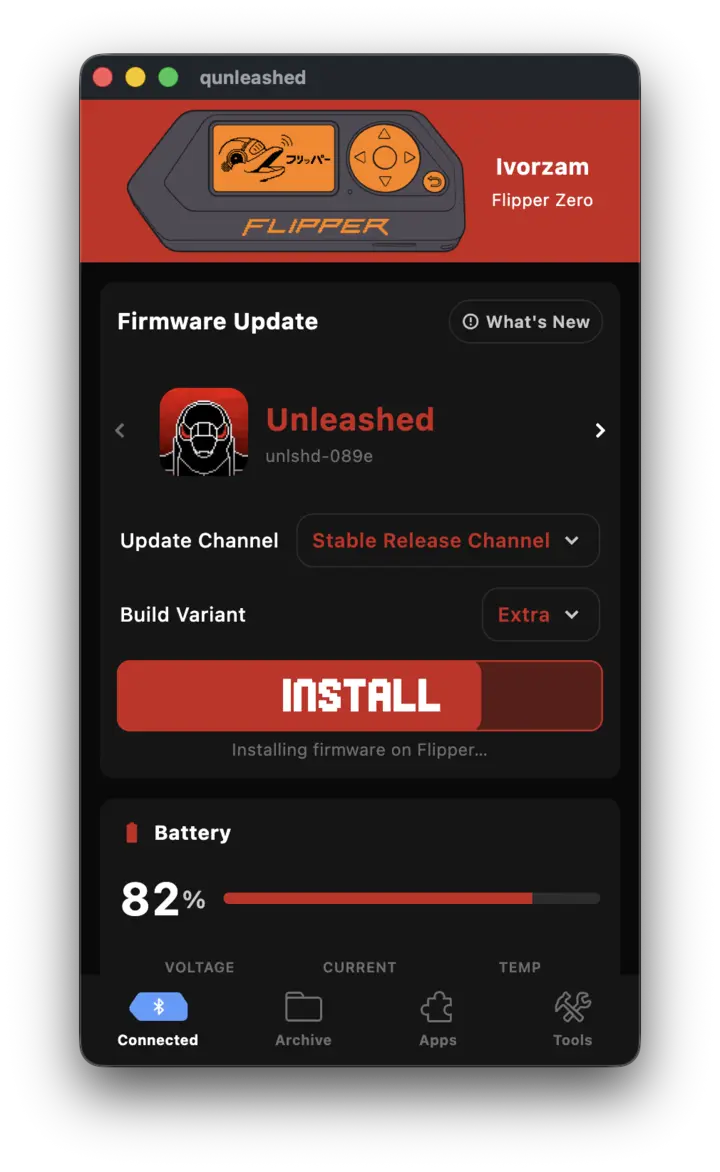
Install screen
Install
Remote control
Remote control
Archive
Archive
File manager
File manager
Editor
Editor
Apps catalog
Apps catalog
Archive category
Saved keys
Saved locations
Saved locations
CLI
CLI
MIFARE keys
MIFARE keys
IR remotes
IR remotes
Pixel Draw
Pixel Draw
App details
App details

Drag, scroll or use ← →. Click any shot to enlarge.

Requirements

Supported systems

Android10 (API 29) or later
iOS15.0 or later · BLE only
macOS12.0 or later · Apple Silicon & Intel
Windows10 or later, 64-bit
LinuxGLib 2.72 & glibc 2.35 — Ubuntu 22.04, Debian 12, Mint 21 or newer

The Linux build links against the system's GTK 3 and GLib instead of bundling them, so those versions are a hard floor — an older system cannot start the binary at all. Releases are built on the oldest supported system and CI refuses a build that would need anything newer.

How crash reporting works.

When something goes wrong, the app sends the error and a short log to Sentry. Most of the bugs worth fixing show up on hardware and firmware combinations nobody on the project owns, and this is how we find them. It is on from the first launch, and there is a switch in Settings. Here is what a report actually contains.

In the report

  • Crashes, errors and app log lines
  • App version, build, platform and OS version
  • Flipper name, serial, BLE address and device info
  • A masked replay of the seconds before a failure (Android & iOS)

Not in the report

  • Keys you have recovered, and card UIDs
  • GPS coordinates, removed before the report leaves
  • Archive file names, replaced by their extension
  • Your IP address, which Sentry is told not to store
  • Screenshots, account details or advertising IDs

To turn it off: Settings → Diagnostics → Share logs with developers. That calls Sentry.close(), so the SDK and its native handlers shut down: nothing is queued and nothing goes out later. The replay has a switch of its own.

The full telemetry notice
Pick a build.

Straight from GitHub Releases, the same files CI built.

Download qUnleashed

Or build it yourself — the whole source is on GitHub.